Getting the best picture on E-Paper
One question comes up more than any other: why does my photo look muted on the case? Here is what is going on, and a few simple ways to get a clearer, more colourful picture.
Six inks, many dots
A phone screen mixes light, so it can show millions of colours. E-Paper uses real inks instead. LogCase Full Colour has six of them: black, white, red, yellow, blue and green. The 4-colour models have black, white, red and yellow.
Every other colour is made by placing tiny dots of those inks side by side, the way a printed newspaper does. This is called dithering. It works best when the colours in a picture are close to the inks, and least well when they sit somewhere in between.
In-between colours turn muddy

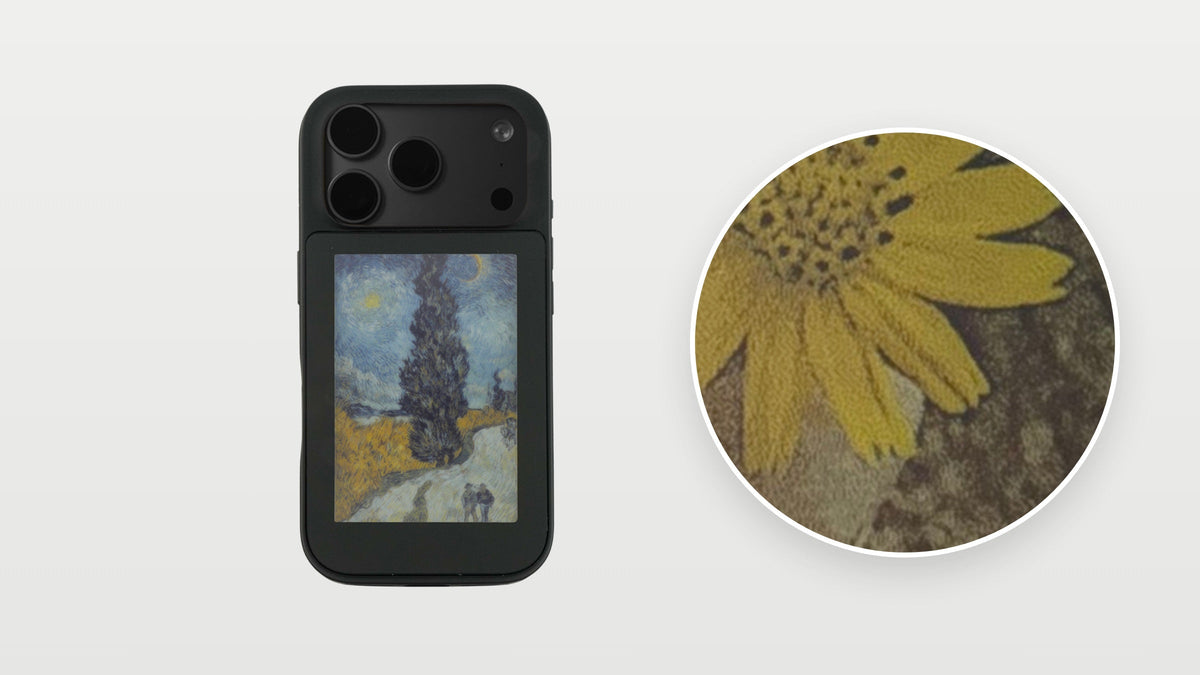
Look at the flower on the left. The yellow petals are close to the yellow ink, so they stay bright. The tree behind them is a soft shade between brown and green that no ink matches, so it is built from a mix of dots and turns muddy.
The family photo on the right has in-between colours too, such as skin and the grey wall. But it also has black T-shirts, blue trousers and a bold red and yellow print. Those clear areas hold the picture together, so as a whole it looks crisp. A photo does not need to be simple; it helps when some of it is made of clear colours.
Paintings are the easiest

A painting is made of clear strokes of colour, without the soft shades a camera records. When the app turns it into dots, each stroke maps neatly onto an ink, so the result keeps its colour and detail. Illustrations, posters and graphic artwork work the same way.
What looks best
- Paintings and illustrations. Clear strokes and flat colour suit E-Paper perfectly.
- Some clear colour. Black, white, red, yellow, blue or green somewhere in the picture keeps it crisp.
- Strong contrast. A bright subject on a plain or dark background reads well. Dim or backlit shots tend to turn muddy.
- One clear subject. Crop so it fills the frame. Busy scenes full of soft, in-between colours are the hardest.
Try the modes
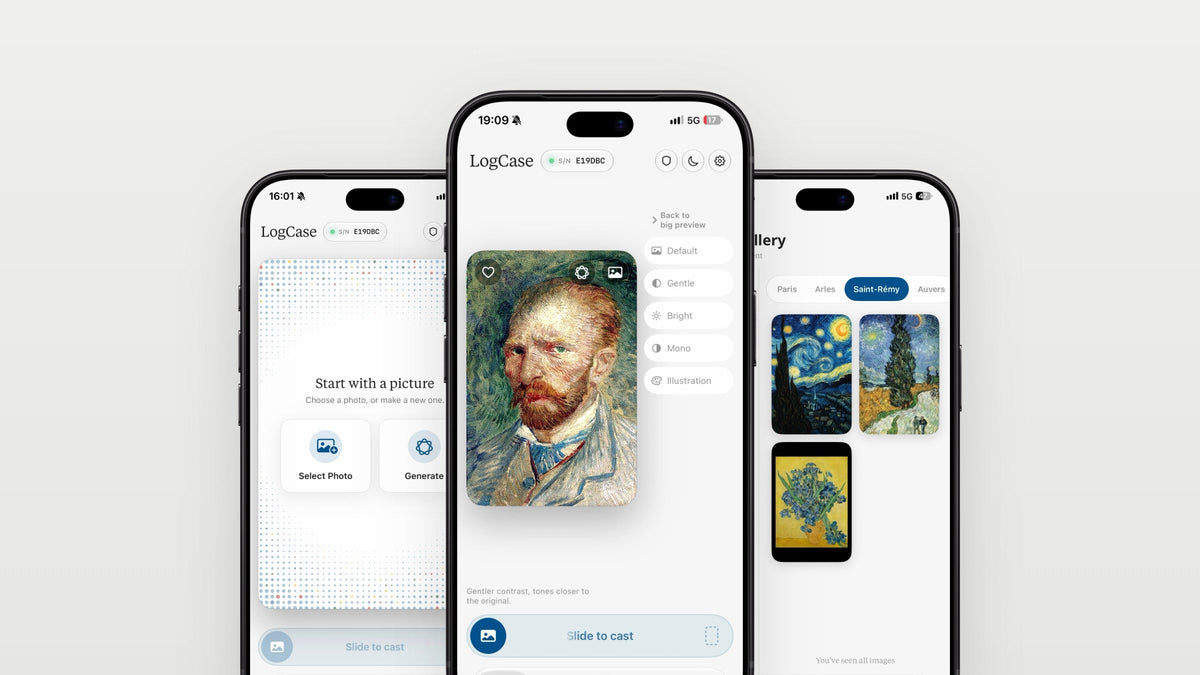
Before you cast, the LogCase app lets you preview five modes. Each one replaces every pixel with the nearest ink, then passes the small colour difference, the error, on to the pixels next to it. This is error-diffusion dithering, and the modes differ in how they prepare the picture and how much error they pass on.
- Default uses Atkinson's method, which passes on only part of the error. Detail stays sharp and the result looks slightly punchier, with higher contrast.
- Gentle uses the Floyd-Steinberg method, which passes on all of it. It stays closest to the original tones and looks softer.
- Bright lifts the exposure and cools the picture a little first. It suits photos taken indoors or against the light.
- Mono uses only the black and white inks, with a small contrast boost.
- Illustration calms the texture, reduces the colours and draws in outlines. It often turns a busy photo into something much clearer.
The preview shows each result before anything is sent.

Prepare the photo first
In the Photos app, tap Edit and raise the contrast and saturation a little before you choose the picture in LogCase. Crop it tightly around the subject. Then try the modes again: a few seconds of editing often matters more than anything else.
Or make a picture for the case
With Apple Intelligence, the LogCase app can make a new picture in the colours your case can show. It is the easiest way to get a clean, bright result. See the LogCase app page for more.